
Phase one
Tech Foundations
Hands-on coding sessions and workshops on AI: visual programming, computer vision, prompt engineering, cloud data and generative AI. Students build a series of real apps, each one a step harder than the last.
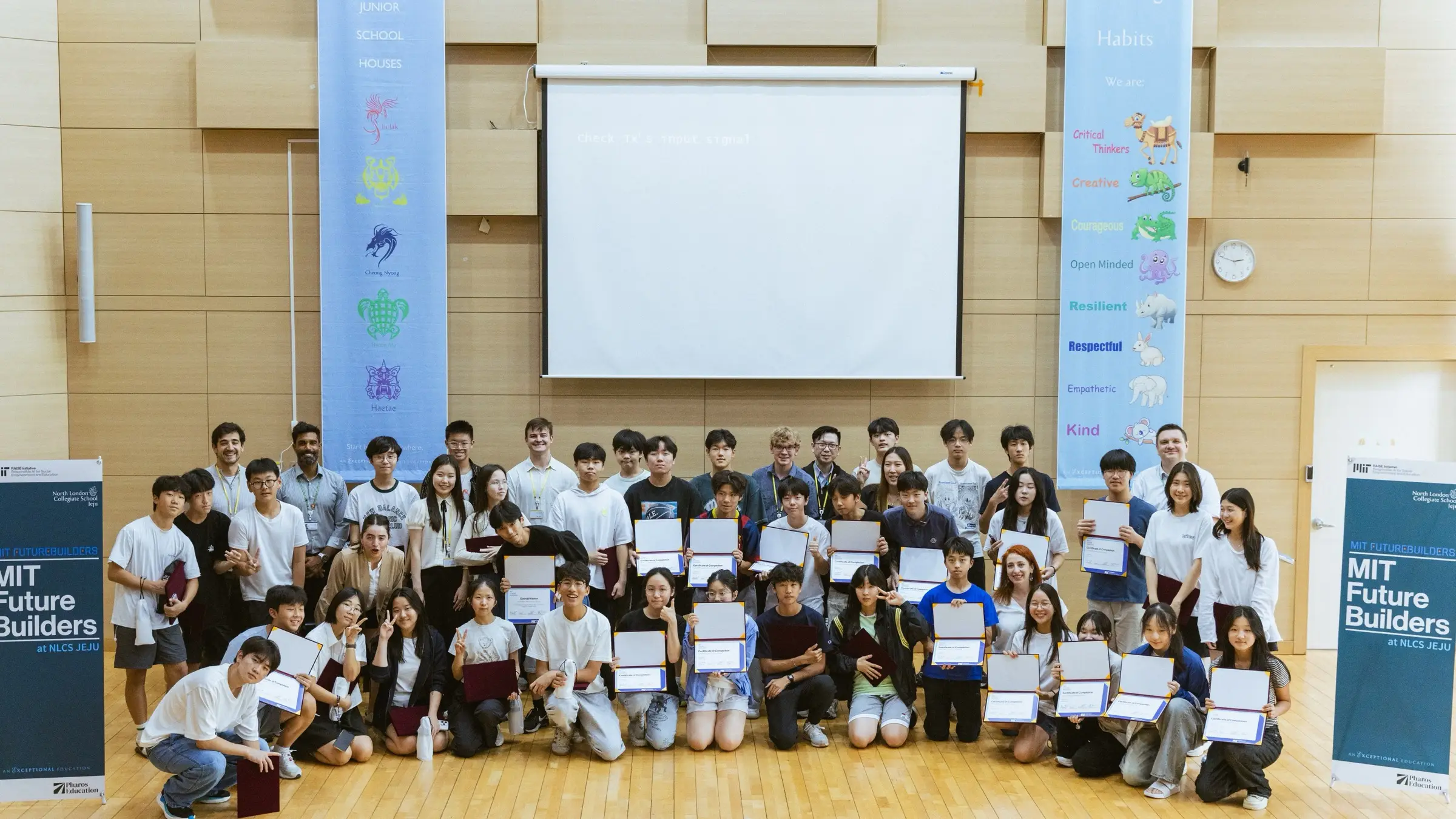

MIT RAISE FutureBuilders · powered by Pharos
An immersive, project-based programme for curious high school students ready to go beyond using AI and start building with it.
Programmes and locations10+ cities · 2026–27
Singapore
7–12 Dec 2026
Apply nowOnline
12 Jan – 25 Mar 2027
Apply nowOnline
Spring 2027
Register interestMilan
28 Jun – 2 Jul 2027
Apply nowBoston (US)
Two weeks at MIT
1–14 Aug 2027
Apply nowOnline + MIT
Blended, with one week at MIT
Online June 2027 · In person 9–13 Aug 2027
Apply nowThailand
Blended, with one week at MIT
Summer 2027
Register interestSouth Korea
Summer 2027
Register interestMadrid
Summer 2027
Register interestProgramme overview
Students learn to design real AI-powered applications with block-based coding platforms and modern generative AI tools, guided at every step by MIT RAISE instructors and MIT student mentors. Alongside, each team takes on a project rooted in an entrepreneurship method developed at MIT, turning a technical idea into a solution to a real problem.
By the end, every team has built a working AI-driven application and pitched it to a panel of experts.
Hands-on app building with block-based coding tools, agentic and generative AI, prompt engineering, and the ethics of these tools seen with a builder's eye.
MIT's own spirit of learning by doing, in an international setting where building goes hand in hand with teamwork, trust and communication.
Students frame real-world challenges as hypotheses they can test, and treat every setback as evidence rather than failure.
Programme format2 phases
Phase one
Hands-on coding sessions and workshops on AI: visual programming, computer vision, prompt engineering, cloud data and generative AI. Students build a series of real apps, each one a step harder than the last.
Phase two
Teams choose a real problem, talk to the people who have it, and build a solution. Design Jams, mentoring and pitch practice lead to the Innovation Demo, where each team presents to an expert panel of judges.
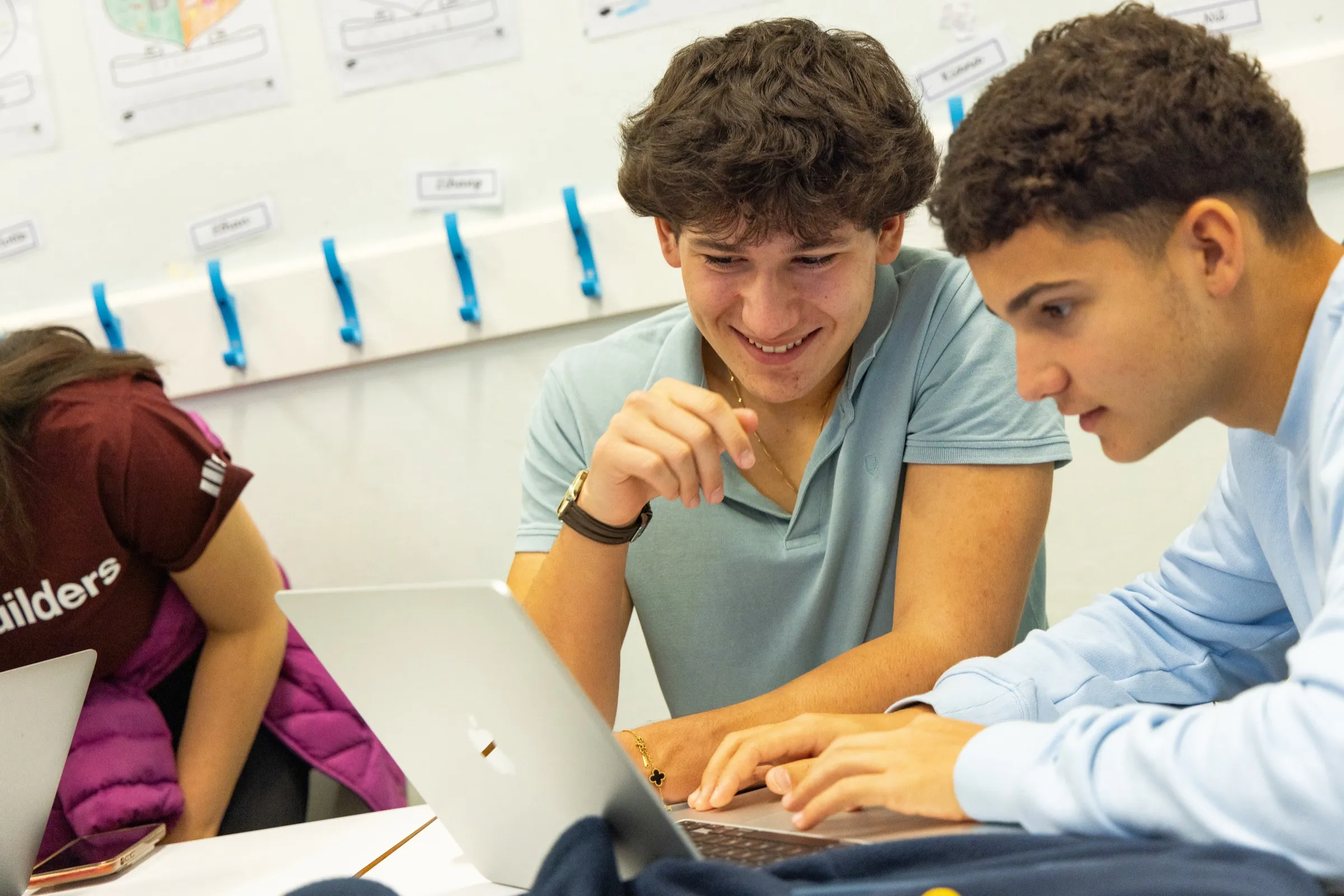
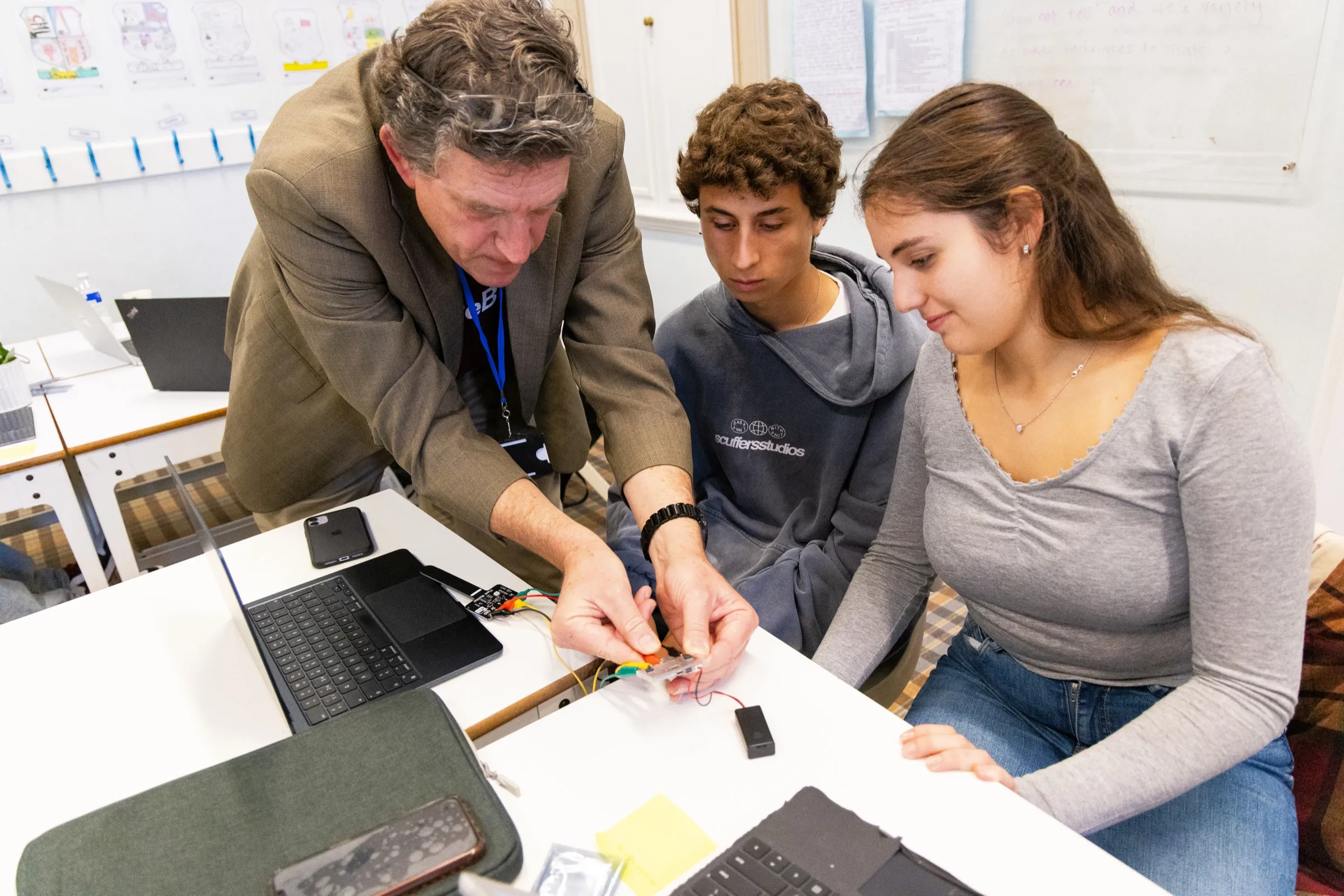
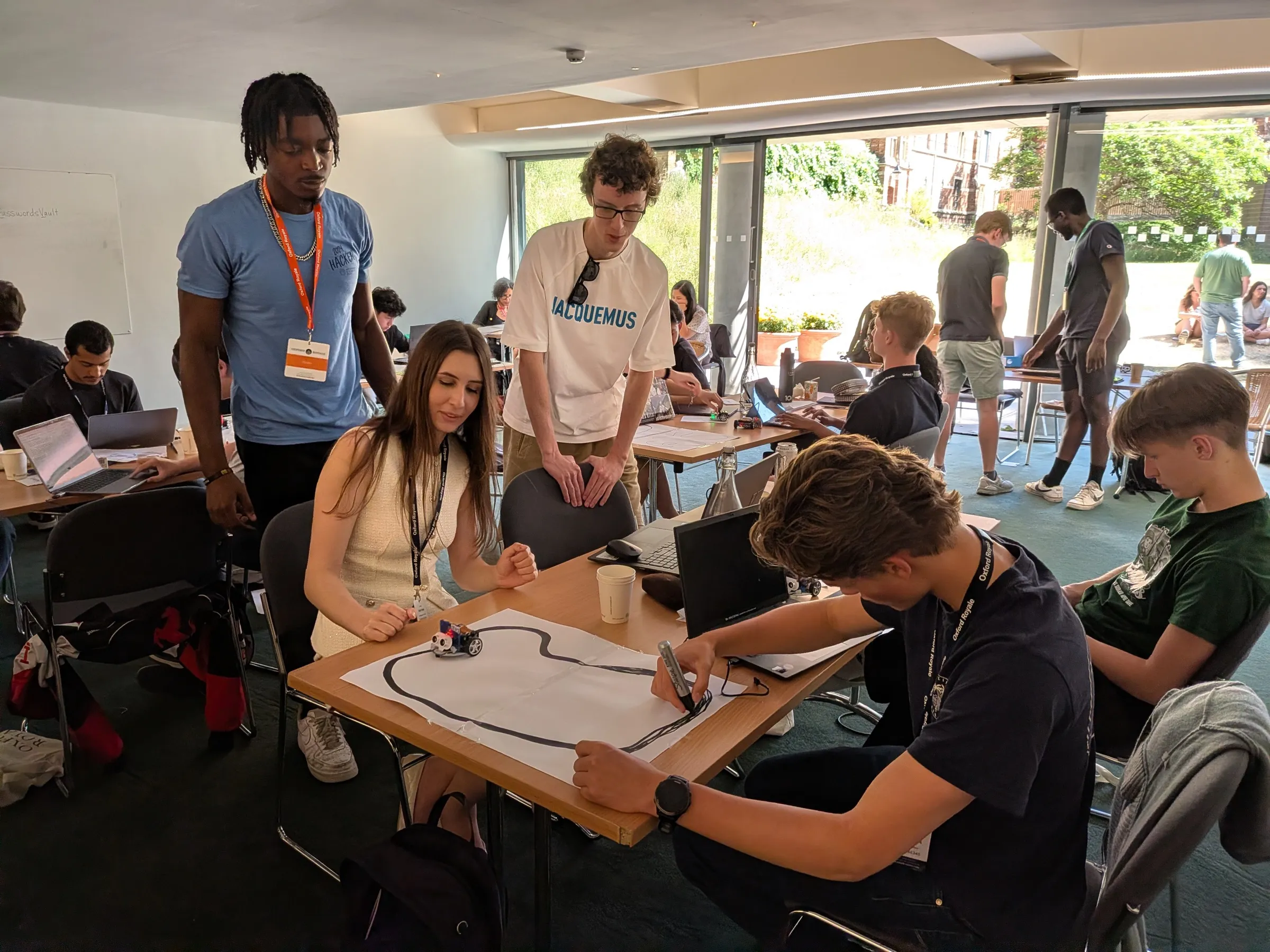
Students work in teams, each paired with a dedicated MIT student mentor, with MIT RAISE instructors and invited practitioners alongside. No technical background is needed: only a desire to learn, explore, create and innovate.
Syllabus17 sample modules
A low floor and a high ceiling: beginners and experienced students progress together. The modules below are a sample. Because the field moves fast, tools and modules are updated between cohorts, and each schedule is set with the host school.
By the end, students can
Phase one
From first app to generative AI
A first working mobile app, built with a visual coding tool in the very first session.
Body and face tracking in real time: an AI-powered dance app and a face-mapping app.
System prompts, roles and constraints: a working vocabulary for directing AI tools with precision.
How apps remember and share: a to-do list with local storage, then a multi-user chat app on a cloud database.
Recognising objects through a camera feed, then building a chatbot and an image bot.
A generative AI doodle app and a historical character adviser, designed around a real user.
Curating and presenting the apps built so far as an academic and professional portfolio.
Building software through dialogue with a foundation model.
Fixing bugs and refining code through feedback, treating a glitch as a prompt for a better question.
How large models work inside, and what each request costs in money and performance.
Presenting working builds, testing across devices, and giving and receiving peer feedback.
Phase two
From a real problem to the Innovation Demo
Teams ideate and prototype an app that addresses a real-world problem, fast.
Re-engineering the prototype so it works well and is efficient enough to scale.
Estimating costs, projecting revenue, and telling profit from cash flow.
Designing, building and stress-testing the venture solution against the evidence gathered.
Judgement, delegation and accountability when AI handles more of the execution.
Structuring the story, the slides and the answers: a complete first draft of the final pitch.
Programme guidePDF
The programme at a glance, the full list of sample modules and answers to the questions families ask most, in one document to read and share.
Thank you
It opens as a PDF. We will also be in touch by email with dates and next steps.
Download the guide (PDF)How students learn
The programme follows a maker-centred approach: students learn most when they design, build, test and revise something that matters to them. It draws on Seymour Papert's constructionism and on the idea of computational action developed at MIT.
Videos, readings and tutorials developed and curated by MIT.
Hands-on sessions with MIT mentors and instructors to learn and practise app development.
Each team is paired with an MIT mentor, with deliverables reviewed by an MIT RAISE instructor.
Team work on a design challenge that sharpens teamwork and building skills together.
Focused time on the capstone, moving between the technical and the customer side.
A full dry run with mentor feedback, then a live presentation to instructors, mentors and guests.
The experience
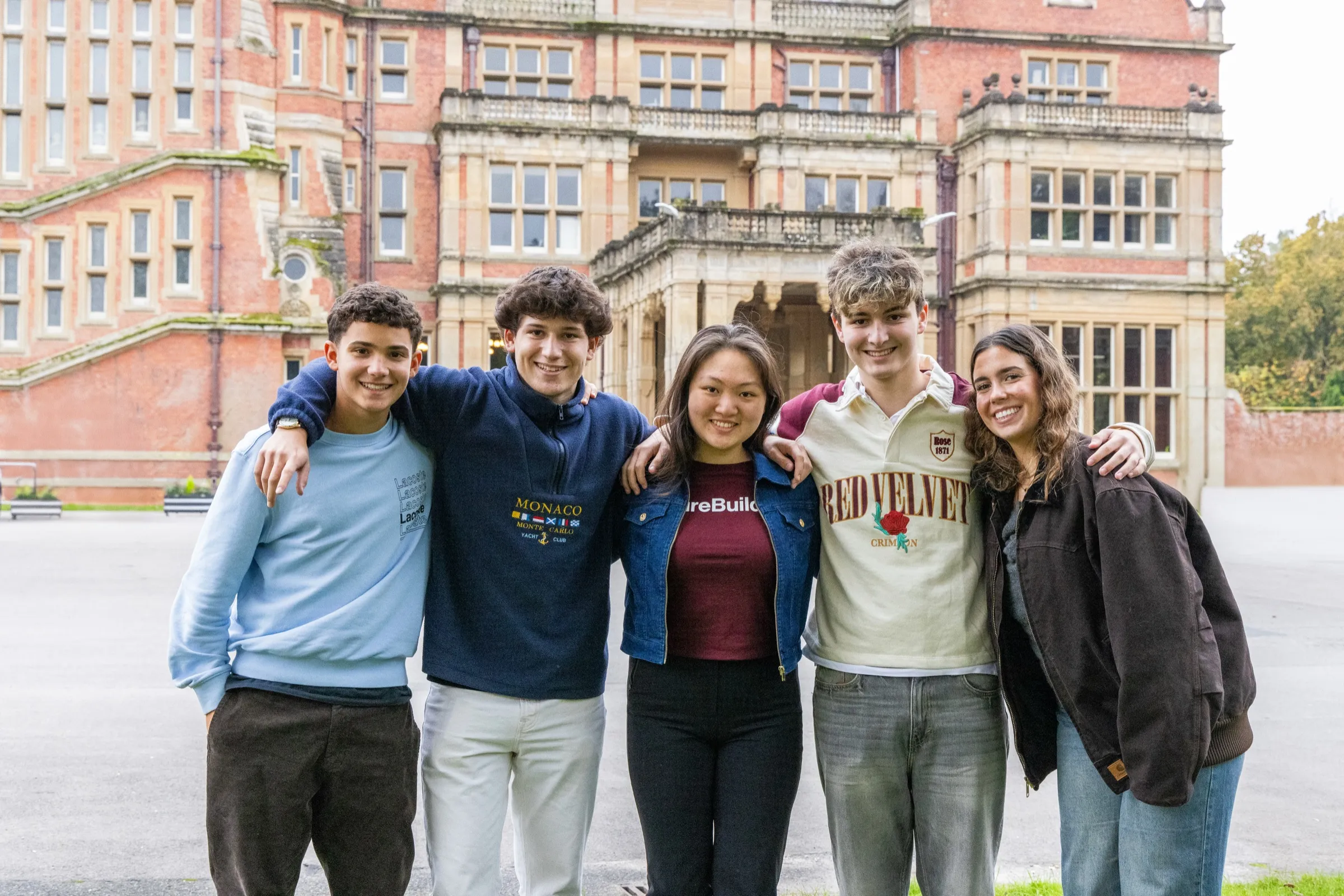
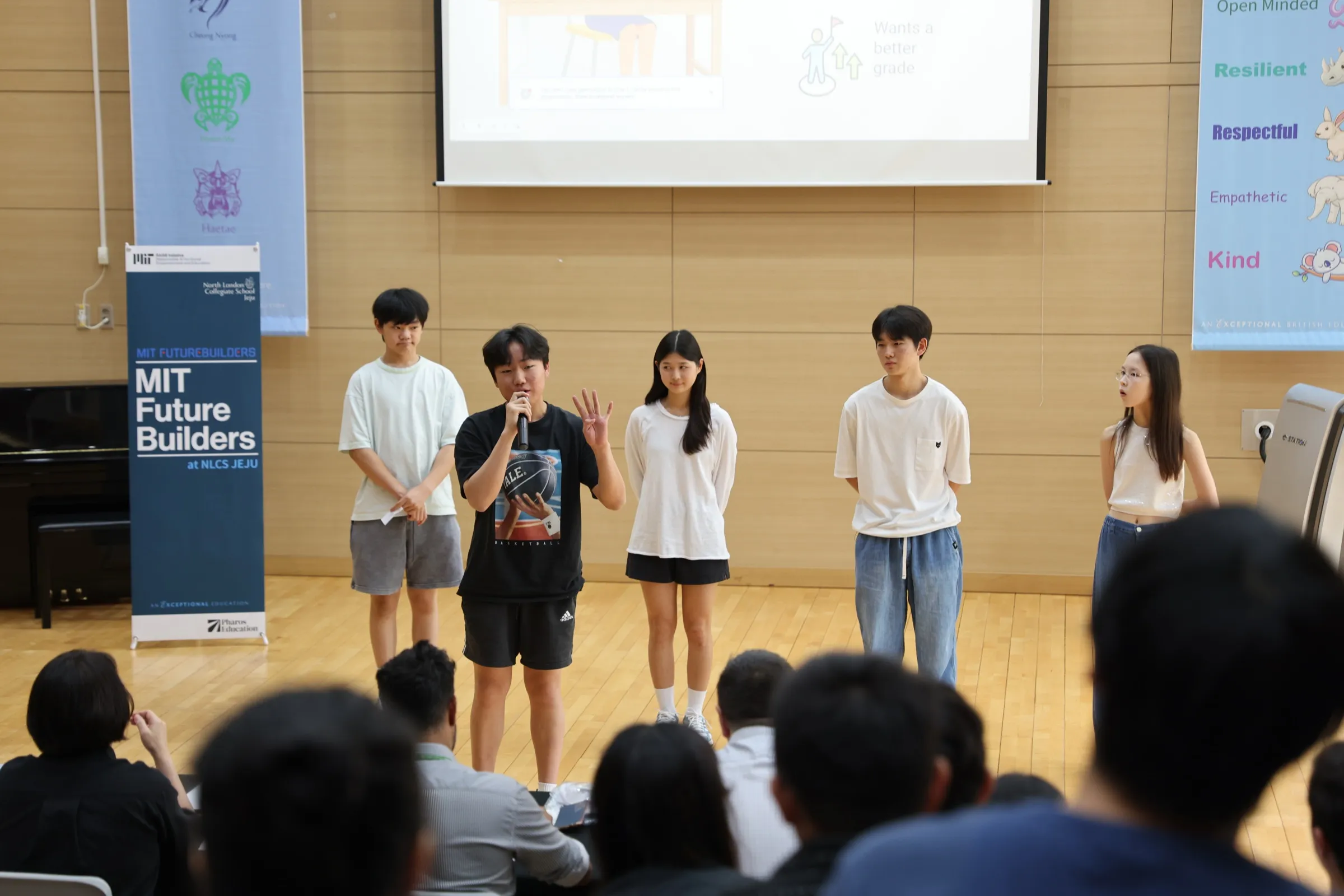
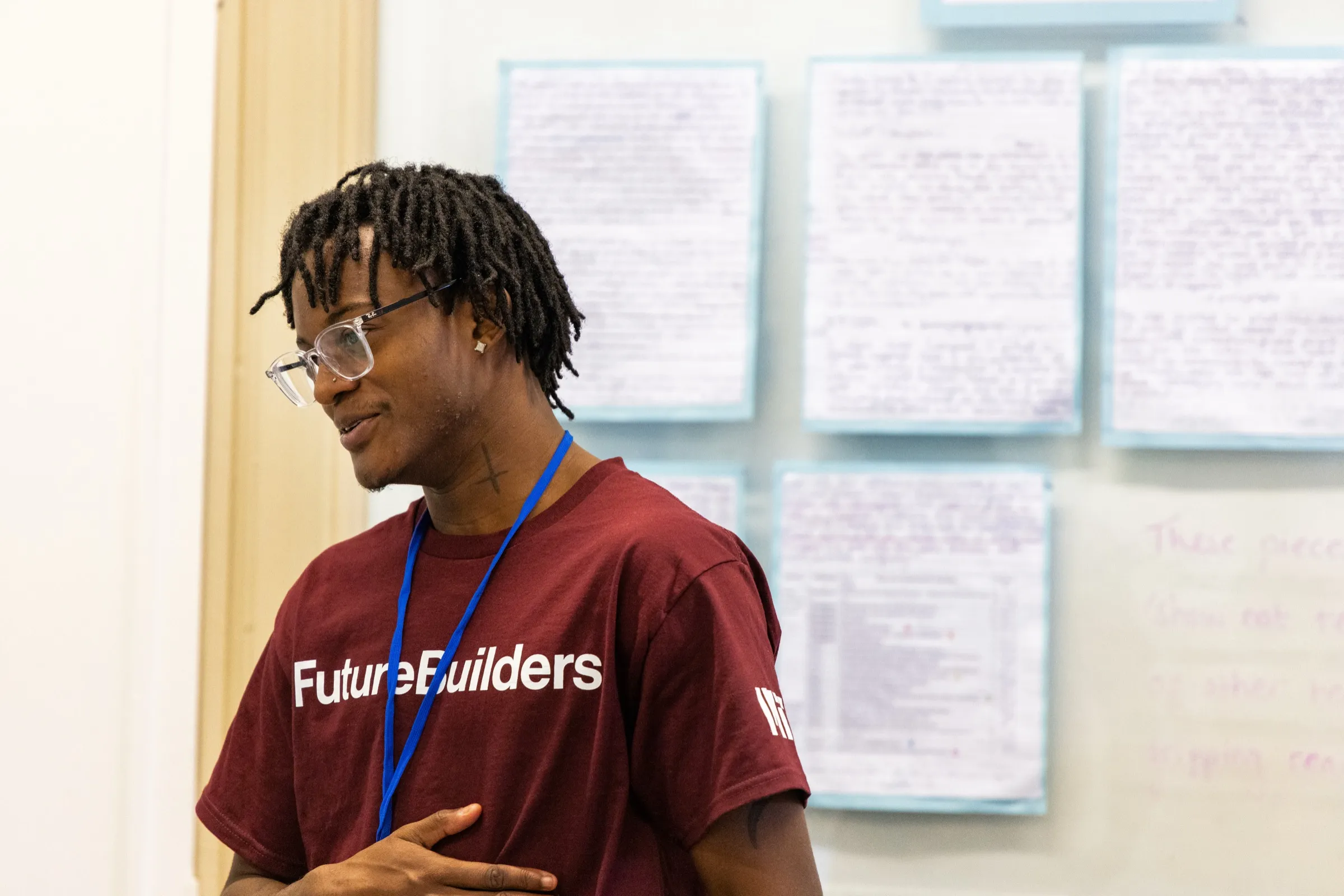
MIT FutureBuilders is a hands-on, minds-on, hearts-on learning by making and solving.
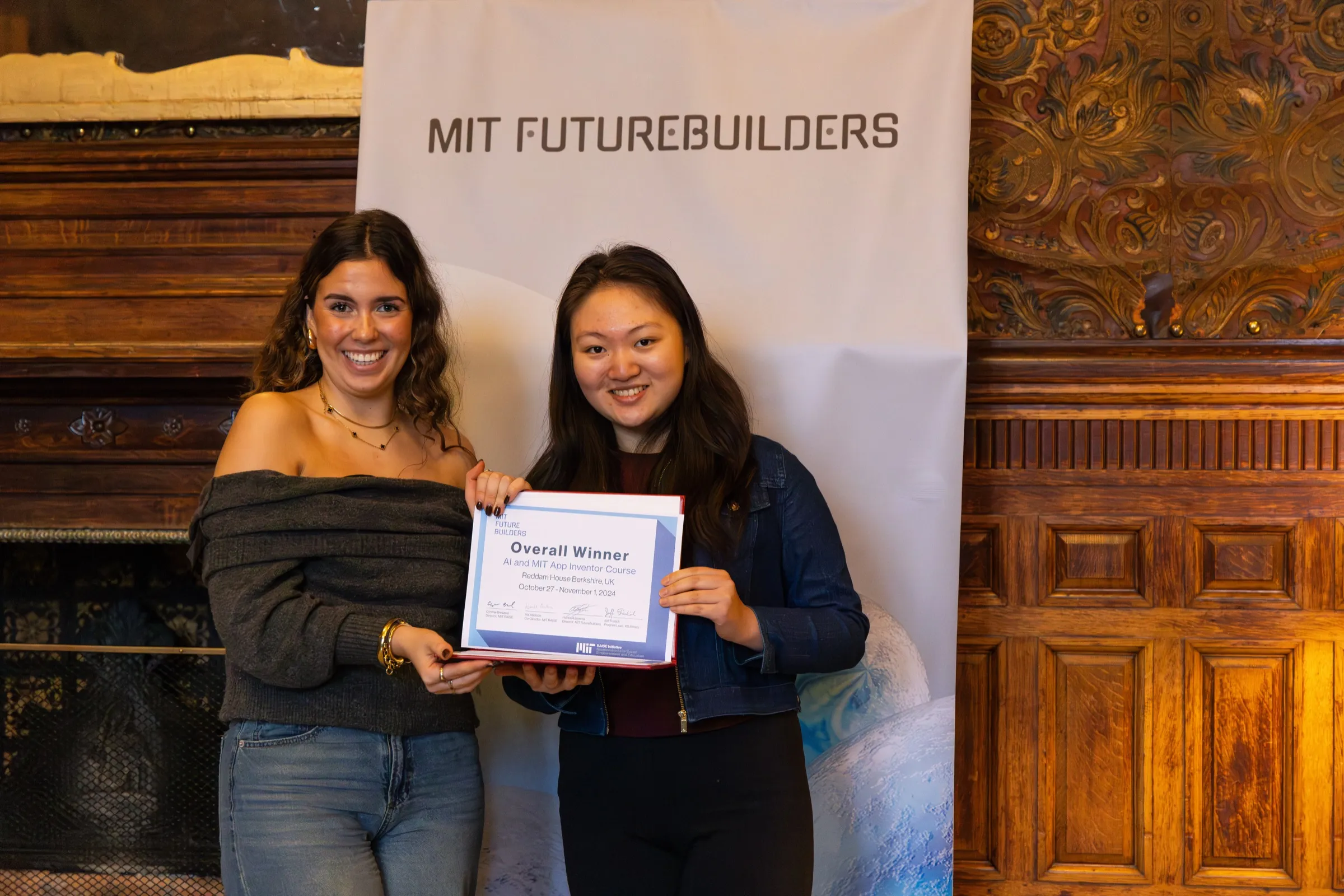
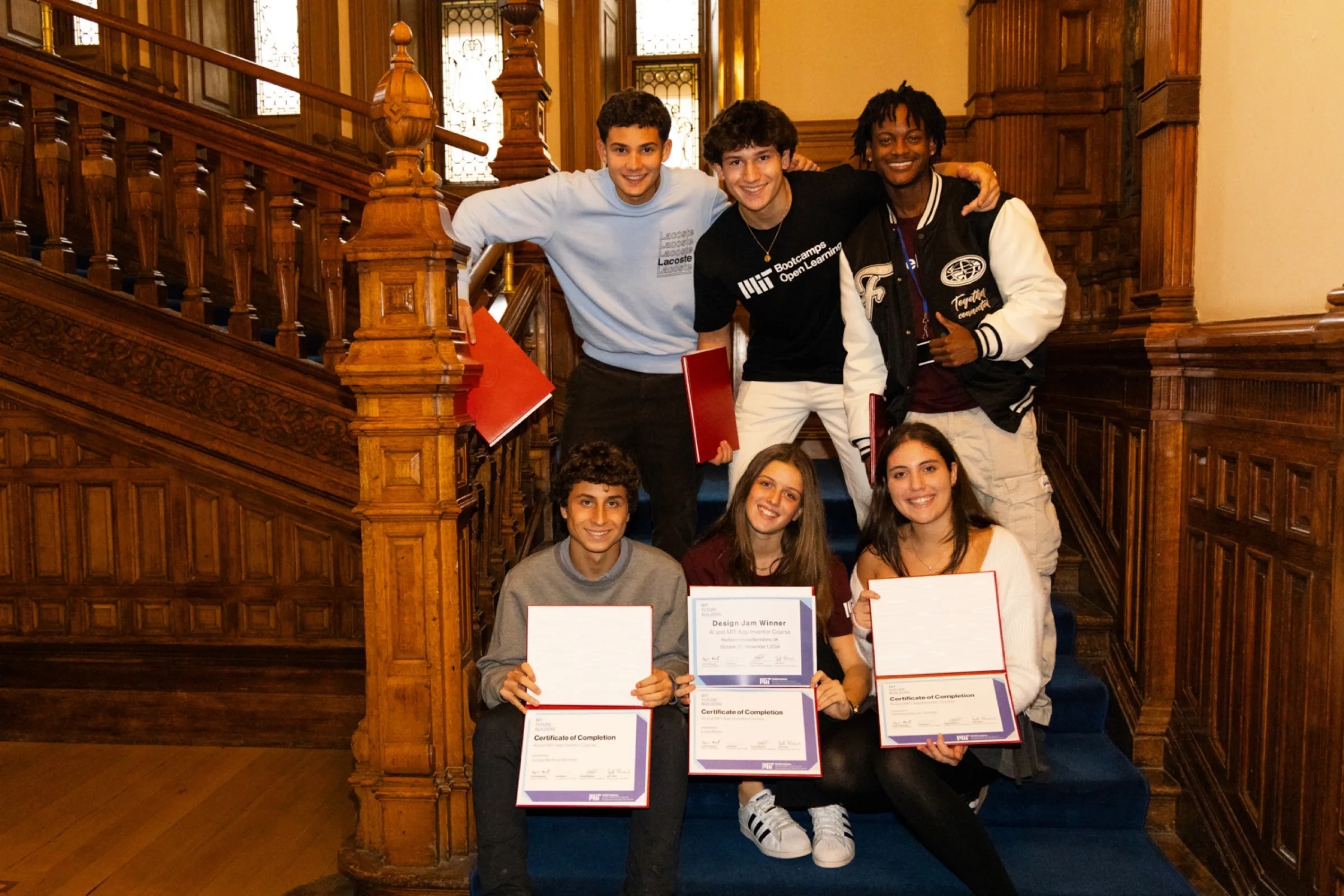
MIT RAISE awards a Certificate of Completion to students who take full part, contribute to their team and present in the final demo. The decision rests with MIT, and takes attendance at team sessions into account.
Mentors sharpen each student's technical skills, give teams honest feedback and help them through team dynamics. They do not lead the team: decisions, and responsibility for them, stay with the students.
No coding experience is needed. Students set up the laptop or tablet they will use, check they can open the coding tools in a web browser, and read the syllabus so they arrive with questions.
Built by students
An AI research assistant for students that checks where information comes from, using trusted and blocked source lists and prompts tuned to each user, to cut the time lost to unreliable content online.
A health app for busy office workers: enter symptoms, see how urgent they might be, find nearby hospitals and book an appointment. Designed as an adviser, not a doctor, with safety warnings built in.
An AI study planner for high school students. It maps how each student works and builds a personal plan around research on effective planning, to beat last-minute cramming.
I now have a better idea of what to expect from my future career, which is extremely helpful for me.
I overcame the challenge of pitching ideas in English and being confident with my English speaking skills.
It teaches about innovating for society and using AI in a way that is not taught normally in schools below university.
Past instructors and mentors

Director, MIT RAISE

AI Literacy Lead, MIT RAISE
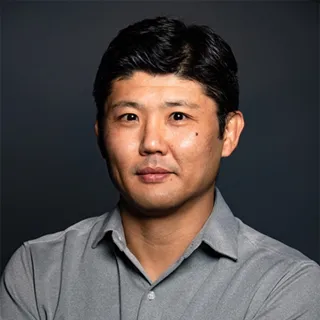
Lecturer and Senior Director
Past teaching teams have also included Ingrid Toppelberg (Head Coach, MIT Bootcamps), Mely Wu (Program and Partnerships Manager, MIT Media Lab) and current MIT undergraduate and graduate students as programme mentors.
Frequently asked questions26 answers
A hands-on, immersive programme for high school students, designed to empower the next generation to lead in artificial intelligence, innovation and advanced technologies. It is taught by MIT-affiliated instructors and supported by MIT student mentors.
Ambitious high school students who are curious about technology and eager to learn directly from leading instructors in AI and innovation.
Students develop foundational skills in artificial intelligence and computer science while building an entrepreneurial, innovative mindset. The programme emphasises problem-solving, app development and using technology to design real-world solutions.
Coding fundamentals, visual app building, artificial intelligence concepts, generative AI and prompt engineering, teamwork, innovation and pitching ideas effectively.
It depends on the cohort. MIT RAISE FutureBuilders runs in person at a partner school, online, at MIT, or blended with a week at MIT. Each cohort listed on this page shows its format.
MIT RAISE collaborates with education provider Pharos Education to offer MIT RAISE FutureBuilders, powered by Pharos. The programme is provided and quality-assured by MIT RAISE, and draws on MIT's long-standing expertise and thought leadership in technology and education.
MIT RAISE is an MIT Media Lab initiative focused on empowering everyone to use AI responsibly and with impact. RAISE stands for Responsible AI for Social Empowerment and Education.
The curriculum is designed by MIT RAISE.
MIT-affiliated instructors lead the programme. MIT undergraduate and graduate students take part as mentors, supporting students throughout.
Yes. Students who successfully complete the programme receive a Certificate of Completion, issued by MIT RAISE.
No. It does not provide university credit and does not count as formal MIT admissions credit. It is a valuable enrichment experience that helps students show their interest in technology, innovation and advanced learning when they apply to competitive universities, and to build connections in the MIT community.
About 8 students to each member of the teaching team, which includes MIT-affiliated instructors and MIT undergraduate and graduate student mentors.
The low ratio makes the experience highly personal. Instructors and mentors work closely with students, giving guidance, feedback and academic support throughout.
Mentors support students academically and act as role models. As current MIT students, they share what learning at university level is like, and their own experience of applying to and studying at MIT. They guide teams without making decisions for them.
Hands-on technical learning combined with collaborative project work. Students first take part in coding sessions and exercises on AI concepts, then work in teams to develop technology-based solutions to real-world problems. The programme ends with an Innovation Demo, where teams present to a panel of judges.
Both. Individual learning is combined with team-based problem solving and project development.
Yes. It suits beginners and more experienced students alike. The small-group format and visual, block-based coding let learners with different levels of experience succeed.
Projects and exercises on facial and object recognition, movement recognition, the Internet of Things, data analysis, generative AI and game design, among other topics.
Yes. Students build real applications with block-based, low-code tools designed for learning to program.
Yes. In the Innovation Demo, teams pitch their final solutions to a panel of judges.
In most cohorts, yes: families are invited to the Innovation Demo, in person or online. Each cohort confirms its own arrangements.
Students aged 14 to 17.
The programme is taught entirely in English. Students need enough English to take part in discussions, follow instruction and work with their peers.
None. Students need only curiosity, motivation and a willingness to learn.
Their own laptop and a mobile device, to build and test their applications. Android devices are strongly recommended.
Yes. Alongside technical skills, the programme emphasises solution design, innovation and an entrepreneurial mindset.
MIT RAISE collaborates with education provider Pharos Education to offer MIT RAISE FutureBuilders, powered by Pharos. The programme is provided and quality-assured by MIT RAISE.
Talk to us about hosting a cohort, or about a place for your child.